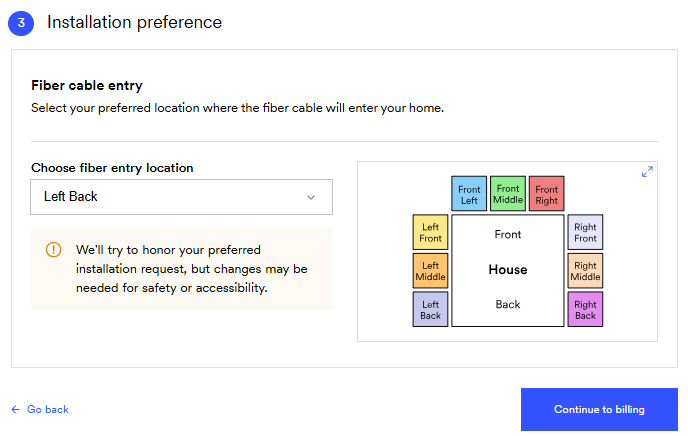
We’ll ask a few quick questions to prepare for installation.
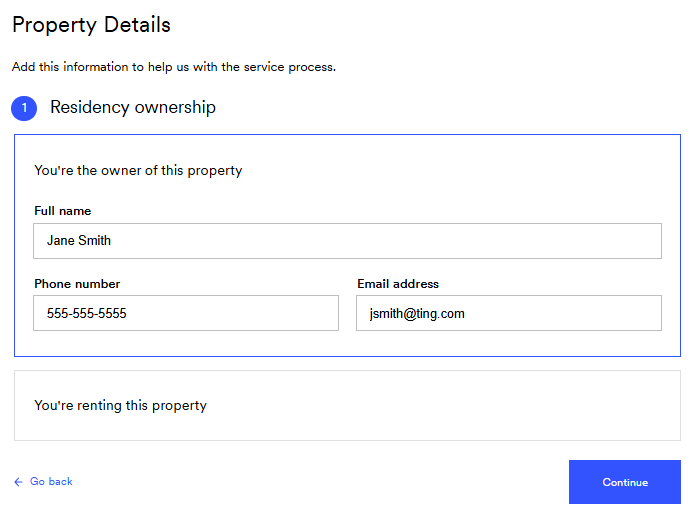
If you own the property, enter your name, phone number and email.
If you rent, select You’re renting this property and enter your landlord’s contact information. We need the property owner’s permission before installing fiber.
Select Continue.
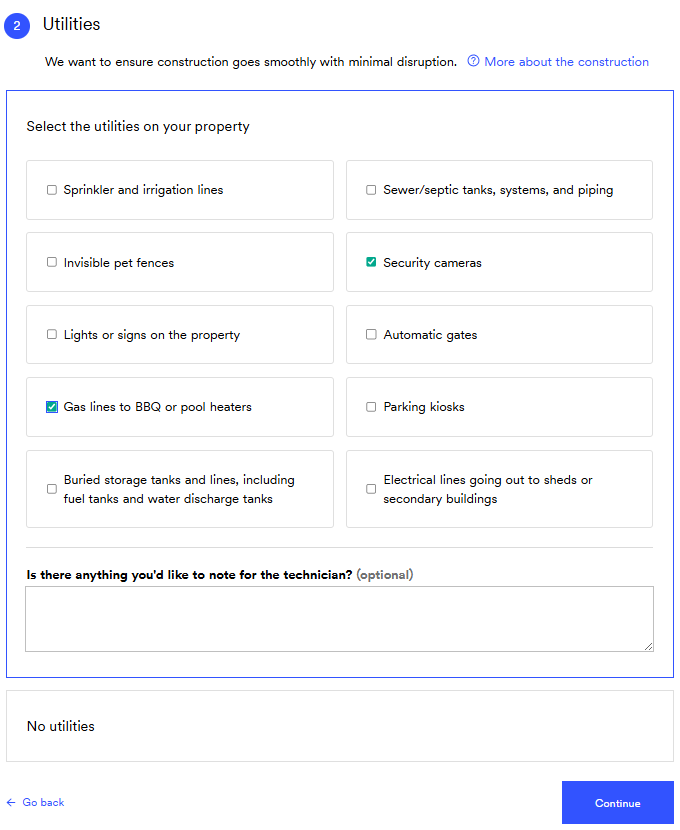
6. Identify utilities
You’ll be asked to check off any private utilities on your property (Like irrigation lines or invisible fences).
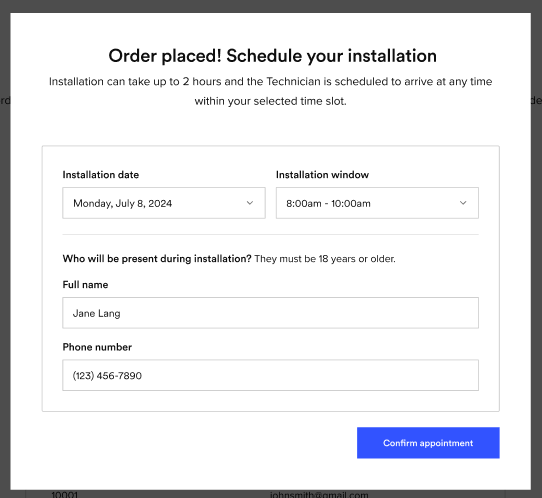
Use the calendar to choose a date and time that works best for you.
Appointments last about 90 minutes.
Don't see a date that works? Use the arrow (>) to scroll forward through more options.
Installation Contact
Select the person that will be home for the entire installation.
They must be 18 or older.
12. Confirm your installation appointment
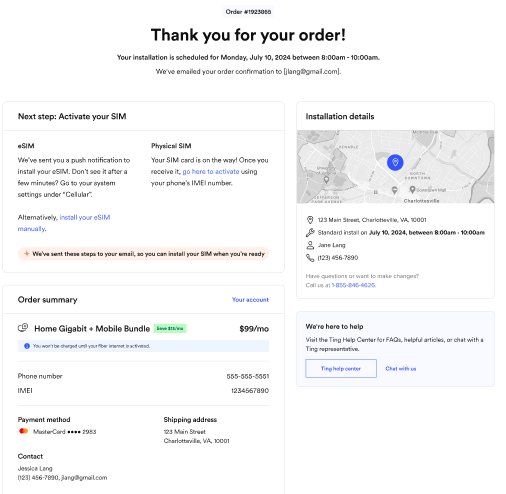
You’ll see a summary of your scheduled appointment.
Review the details one last time.
Click Confirm to lock it in.
We'll also email you a confirmation with everything you need to know.
12. Complete your phone activation
If you’re transferring your number to Ting, you’ll get a confirmation email once the transfer is complete. This can take up to 24 hours if your information is correct. Wait for that email before completing the steps below.
Activated a new number? You can complete the steps below immediately after completing your order.
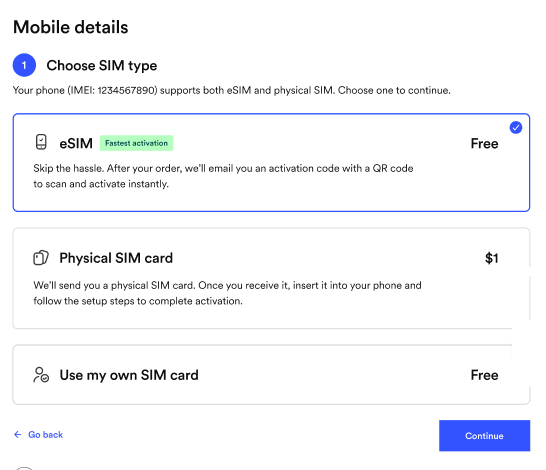
Activating a physical SIM? Simply turn your phone off, insert your SIM card and turn it back on to complete activation.
Being sent a physical SIM? Once it arrives, just follow theses instructions to get started.
Using eSIM? Your phone may automatically download it for you. Just turn your phone off and on.